
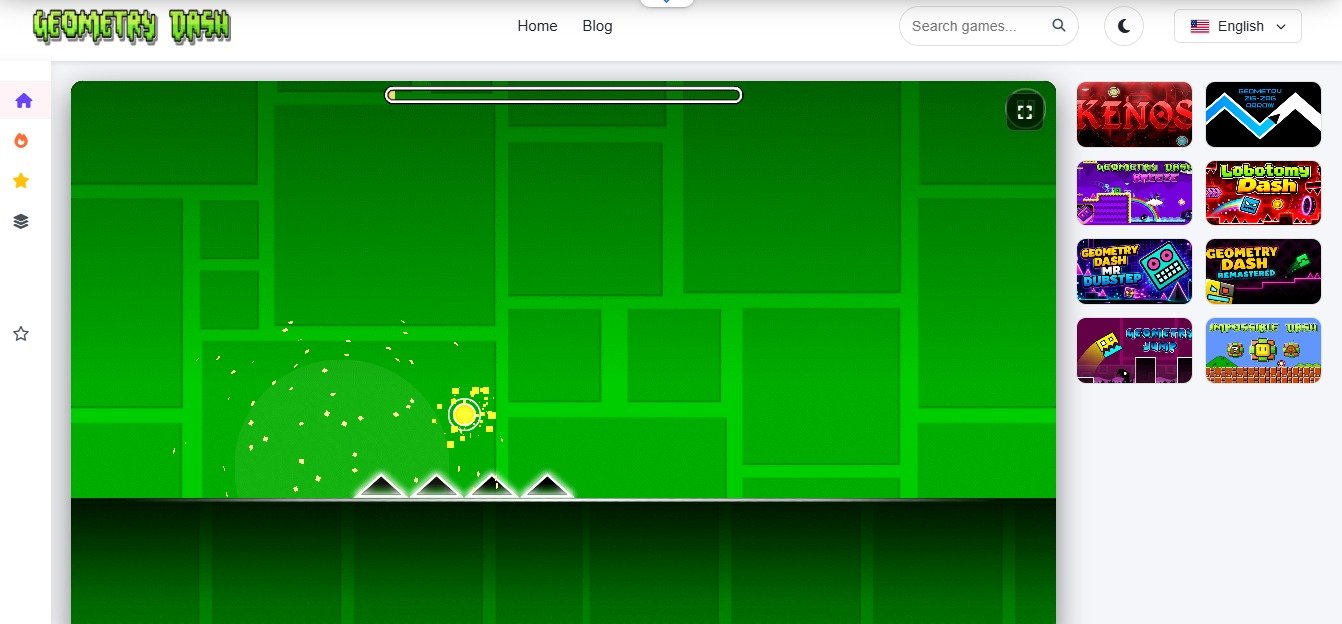
Robtop studio created geometry dash and they officially added only limited stages in it that includes Stereo Madness up to the deadlocked. The official thrilling stages of the game but to keep users engaged in the game even after years, creators needed something new and something different. Now what the developers do they add a LEVEL EDITOR option in the game. With these smart moves the creators managed to keep the game expanding even today as well.
When playing geometry dash pc if it ever concerns you that what are the user created levels in the game and how exactly are they different from the other stages than this guide is for you. Today I will explain in detail about these user created levels. So let’s start;
What are User Created Levels?
To give you a straightforward answer then the user created levels are the stages players add to the game but are not the creation of developers. Loyal game players customize, design, and publish these stages. Players can unlock only one category of fun when playing the game and completing the levels, but the other type of fun is to create and publish your personal stages in the game. The official game stages are 26+ but with the collaboration of the community members the game today holds millions of stages. Players have complete freedom to create anything from beginners to the pro level stages including the setting of an extreme demon, as it all depends on their creativity.
How Does the Level Editor Work?
The level editor gives users all the equipment that is important to customize a personal stage. Here players find
1. Building Block and Triggers
The items that are important to establish the stage grid are all present here. The options include
- Standard blocks
- Slopes
- Jumping rings
- Jumping pads
- Hazard spikes
- Portals
- Modern version involves ‘triggers’ .They are special logic block that
- dynamically moves objects.
- Change background color
- Flash screen effects
- Alter the gravity of the stage
- Monster obstacles
Music Sync and Custom Audio
Geometry Dash Spider is a rhythm game and every single stage in it has a special title track as the movement of the icon is according to it. In the level editor players also find a music library, using which they can decide the motion of the icon. Previously there was no option to add tracks for personal lists but now players can do that as long as Newgrounds host them. One has to be very careful about selecting the sound track because it’s important for it to synchronize with the icon movement when the level starts.
How Levels Get Rated?
The game uses a community based ranking system to tell between millions of levels which one stands where. Loyal players drive this community and Robert Topala manages it. How the system works;
- The newly created levels do not have any kind of ratings, so anyone who plays and completes the stage will not get any orbs or stars.
- The game also involves a moderator here, if the moderator detects a better customized stage with impressive visuals and no possible bugs then it forwards them to the Robert Topala, who when assigned any star rating then it is officially added to the search tabs and the completion of such stages provide the orbs and coins when players complete them.
- If a level successfully attains the attention of multiple players and involves a really great gaming structure then developers tag it as ‘’epic’’, and the stage moves up in the trending stage lists.
- Pointercrate Demon list, this involves all the impossibly hard stages. There is actually a whole new ‘’Demon List’’ ranking only the difficult stages of the game.
User Created Content Keep the Game Alive
The game has only a limited number of stages so it was very much possible that players when completing those stages would move to some other games and in a few weeks they would have forgotten this one. But with this, there is actually no end to the game because every time you complete a recently added level something new will come up on the screen. This makes the player involved in the game continuously.
Users created content also add variety in gameplay. Players can find extremely easy to extremely difficult stages. The innovative idea of the loyal users from any part of the world gives a new direction to the game with their stage. But there is one main difference between the official game stages and the user created one, that’s the secret coins that are only available in the official levels of the game. If you want to learn more about these secret coins then check our guide about ‘’What are Secret Coins in Geometry Dash?’’ here.
Reference Box
- In game level editor is the main tool for customizing stages
- Soundtracks can be from the official library of the game or the Newgrounds tracks
- Moderator helps to review and stars the stages
FAQs
Can I play user created levels in Geometry Dash Lite?
No. when playing geometry dash players can only access a few of the selected levels from the official stage list. The users created levels unlocked to them only when they get the full version of the game.
How do you find the best custom levels to play?
Geometry dash offers a search bar to players in the online section. This works by providing users the option to either put the exact title of the level there or by applying filters like ‘difficult’, ‘’easy’ stages of the game. The search tab only includes the user’s created stage if creators approve it.
Do custom levels award stats and stars?
Yes. but not every newly created stage starts to provide the stars and stats on its completion. That’s not how it works. When a moderator detects a new stage and Robert Topala rates it then it officially starts to provide the rewards at its ends.
